Unlock Custom Widgets with Natural Language
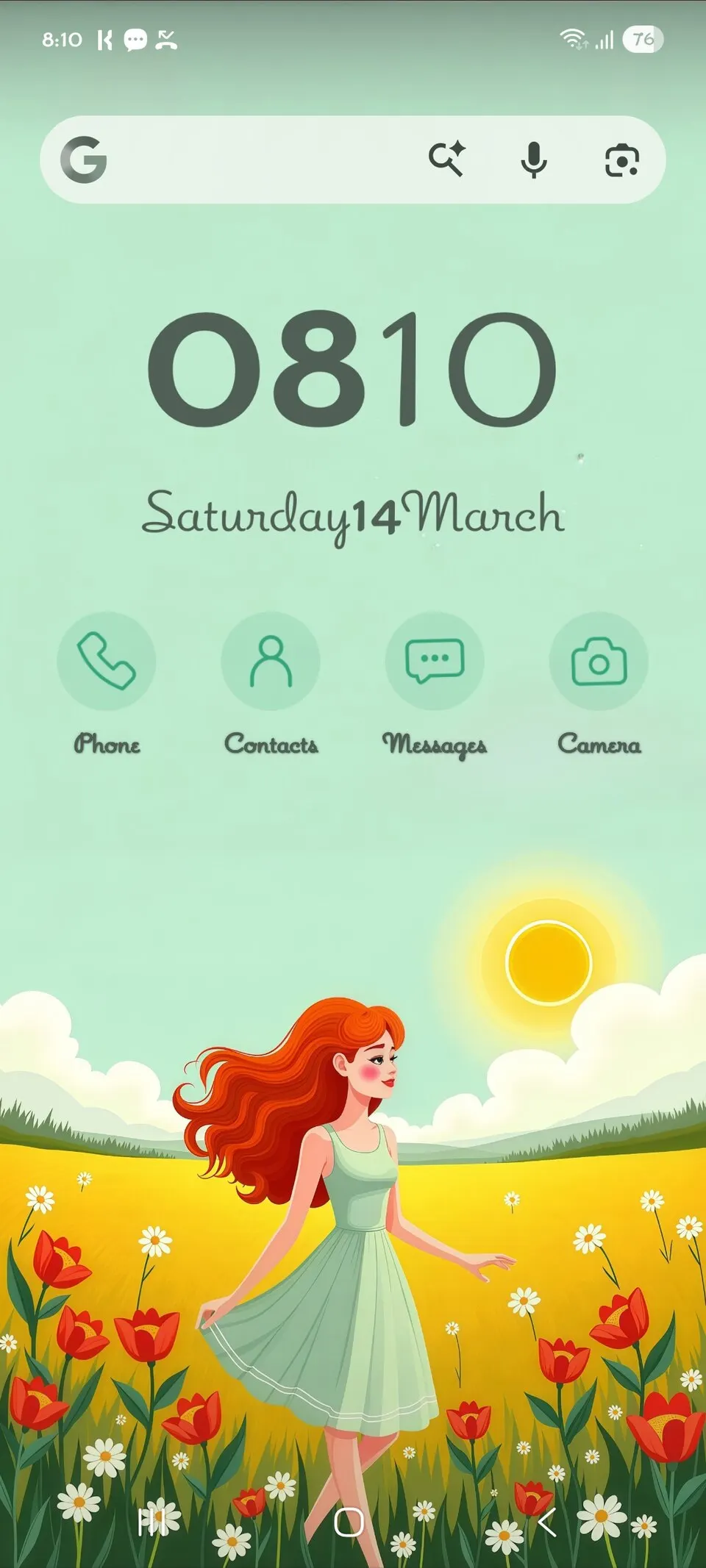
The standout feature of the November 2026 Pixel Drop is 'Create My Widget.' This tool moves away from static, pre-built options, allowing you to generate custom home-screen widgets using simple, plain-English commands. Whether you need a specific tracker or a custom information display, you can now describe your needs to the AI.
How to use it: While exact menu paths may vary by system version, look for the widget picker on your home screen by long-pressing an empty space and selecting 'Widgets.' Navigate to the 'Create My Widget' tool to begin inputting your natural language prompts. Note that this feature is currently limited to the Pixel 10 and Pixel 11 series; unfortunately, the Pixel 10a is excluded from this update.
Who benefits most: Users who feel constrained by standard app widgets and want a bespoke, data-driven home screen without needing design skills.
Refresh Your Look with New Icon Styles
Consistent UI design is a hallmark of the modern Android experience. With the latest drop, Google has added 10 new custom icon styles, giving you more granular control over the aesthetic of your device. These styles allow for better visual alignment with your chosen wallpaper and color palette.

How to use it: Long-press on your home screen and tap 'Wallpaper & style.' Explore the 'Icon styles' section to browse and apply the 10 new additions. This is a simple, non-destructive way to give your phone a fresh, cohesive look without installing third-party launchers.
Who benefits most: Design enthusiasts and users who value a unified, personalized look for their app grid.
Review: Is the November Pixel Drop Worth It?
The November 2026 Pixel Drop is a significant release that leans heavily into generative AI and UI customization. Android Authority notes that Pixel 10 owners are among the biggest beneficiaries, gaining access to exclusive tools like 'Rambler' and 'Gemini Intelligence' alongside the broader widget and icon updates.

Strengths: The inclusion of 'Create My Widget' is a massive step forward in home-screen utility, allowing for a level of personalization that was previously unreachable for the average user. The addition of 10 new icon styles also helps solve the problem of visual fragmentation on the home screen.
Caveats: It is important to temper expectations. Not every device in the Pixel lineup is receiving every feature. As Android Authority and How-To Geek have reported, hardware gating remains a reality, with the Pixel 10a specifically missing out on the new AI widget generation capabilities. If you rely on budget hardware, you may find that the most exciting, AI-heavy components of this drop remain out of reach.
When to Seek Further Help
If you have a compatible device—such as a Pixel 10 or 11 series phone—and you do not see these options after ensuring your software is fully updated via Settings, your device may be experiencing a cache or software sync delay. Try restarting your phone to force the system to register the new feature flags. If the features still do not appear, you are not dealing with a hardware failure, but rather a staged rollout. These updates often arrive in waves; if you have checked the 'System update' menu in your settings and the device reports that it is up to date, simply wait 24 to 48 hours for the server-side configuration to reach your handset.
Sources: This report draws on coverage by Android Authority, Ars Technica, How-To Geek, 9to5Google, blog.google, Digital Trends, Yahoo Tech, shattered.io. The wording is our own.