The Problem: Why Your Battery Percentage Is Plummeting
Modern mobile devices are designed to last a full day, but software updates and hardware peripherals can often cause sudden, unexplained drops in power. Whether you are seeing a sharp decline after installing iOS 26 or noticing your Pixel running hot on the Android 17 QPR3 beta, the cause is rarely a mystery if you know where to look. Most issues stem from three areas: rogue background processes, system-level bugs, or connected accessories like the Apple Pencil or Bluetooth trackers.
Check Your System Settings First
Before assuming your hardware is failing, use the built-in telemetry provided by your operating system. For iPhone and iPad users, navigate to Settings > Battery. Here, you can view a graph of your usage over the last 24 hours or 10 days. If a specific app shows a high percentage of "Background Activity," it is likely the culprit.
Android users should follow a similar path: Settings > Battery > Battery usage. On newer versions like Android 17, this menu breaks down consumption by system processes and individual apps. If you notice a sudden drop, Engadget notes that it is often caused by apps failing to enter a "sleep" state or constantly pinging location services.
Identify Rogue Peripherals and Accessories
Sometimes the drain isn't coming from inside the phone. Recent reports from Moneycontrol highlight a case where an iPad owner used diagnostic tools to trace significant battery loss not to the tablet itself, but to a docked Apple Pencil that was failing to regulate its power draw. If your device is losing power while idle, try the following:
- Toggle Bluetooth off for several hours to see if the drain stabilizes.
- Disconnect magnetic accessories or styluses.
- Check for firmware updates for connected wearables; Android Authority reports that updates to health suites like Google Health 5.13 often include optimizations for how trackers sync with your phone.
Address Update-Related Bugs
Software updates are a double-edged sword. While they offer new features, early builds can be unoptimized. For instance, Technobezz suggests that battery drain immediately following an iOS 26 update is common as the system re-indexes files in the background. However, if it persists, it may be a known bug. ShiftDelete.Net reports that the Android 17 QPR3 Beta 4 specifically includes fixes for a known Bluetooth battery drain on Pixel devices, proving that sometimes the only fix is waiting for the next patch.

Evaluate Battery Health and Hardware Limits
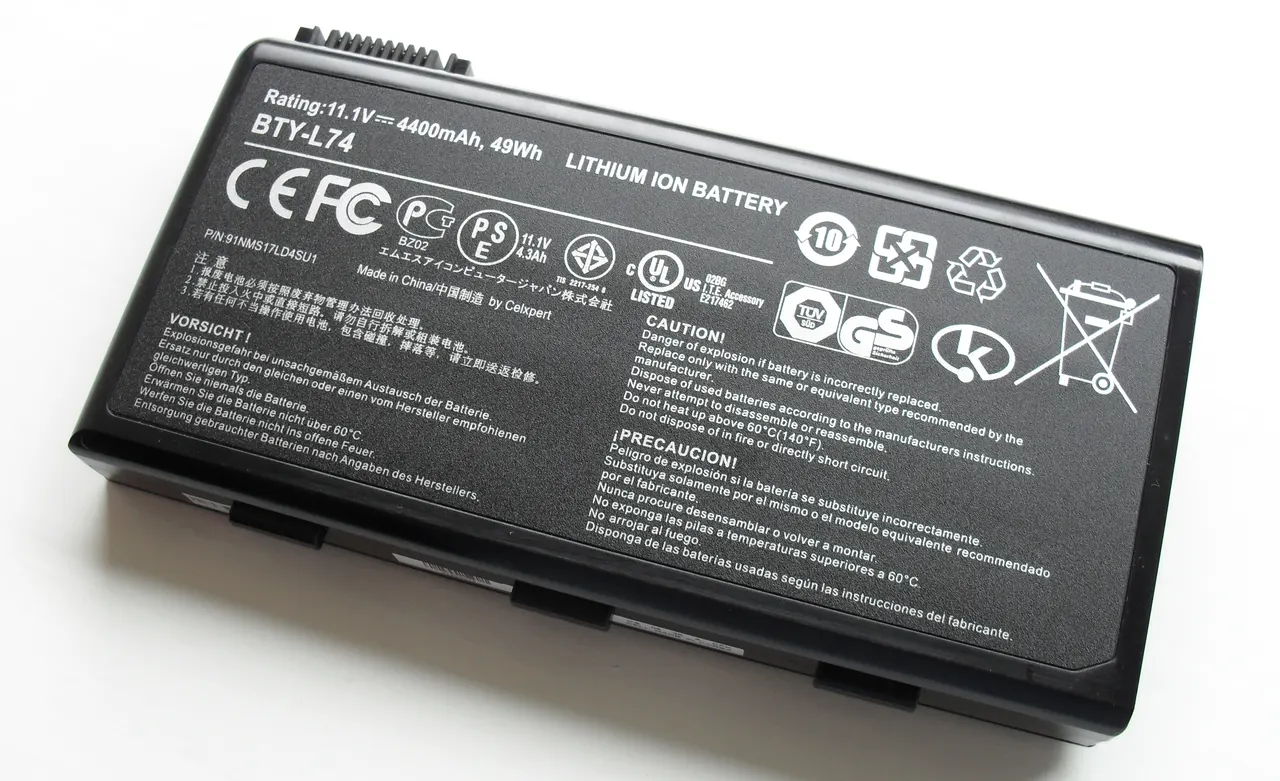
If your software looks clean but the phone still dies quickly, you may be dealing with chemical depletion. Creative Bloq recommends checking the "Battery Health & Charging" section on iPads and iPhones to see the maximum capacity relative to when it was new. If the capacity is below 80%, the lithium-ion cells may no longer be able to sustain the voltage required for peak performance.
If you are using a pre-owned device, Gadget Review suggests checking for third-party replacement parts, which may not communicate correctly with the OS, leading to erratic percentage reporting. A lithium-ion battery works by moving ions between a cathode and an anode; as these materials degrade, the "fuel gauge" in your software becomes less accurate.
A Necessary Caveat
Diagnostic tools can tell you what is using power, but they cannot always tell you why. An app might show high usage simply because you use it frequently, and system-level tools often lump various background tasks together, making it difficult to distinguish between a vital system process and a bug.
When to Seek Professional Repair
If you have factory reset your device, updated to the latest stable OS version (such as the upcoming Mac or Android patches), and disconnected all peripherals but still experience a drop of more than 5-10% overnight while idle, the issue is likely hardware-related. At this point, a professional battery replacement is more cost-effective than attempting to manage a failing chemical cell through software tweaks alone.
Sources: This report draws on coverage by Android Authority, Moneycontrol.com, Engadget, Technobezz, ShiftDelete.Net, JournalArta, Creative Bloq, Gadget Review. The wording is our own.